Kit Generator
Real-time 3D Football Kit for Trophy Manager.
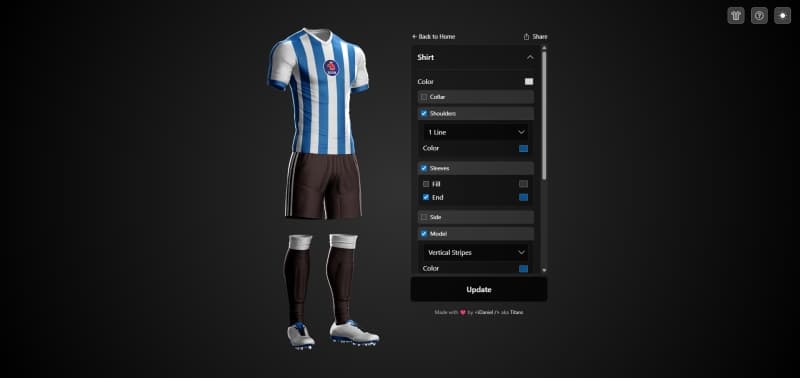
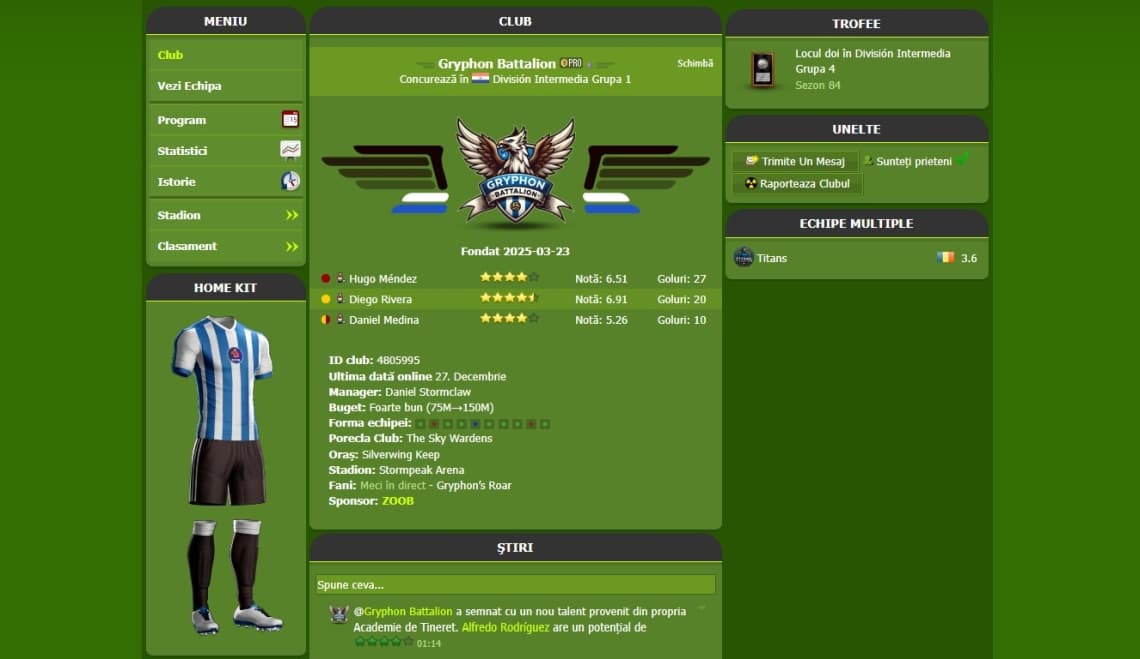
A modern web application for designing and customizing football (soccer) kits with real-time 3D preview. Create unique team jerseys for Trophy Manager with customizable colors, patterns, sponsors, and more. You'll also find a kit library packed with classic football club designs for inspiration or as a starting point for your own creations.
Consider supporting the maintenance and development with a small donation:
*For donations via Trophy Manager, make sure to add my Club ID: 472913
Getting Started
- 1Visit the App: Navigate to kits.idanielcode.com
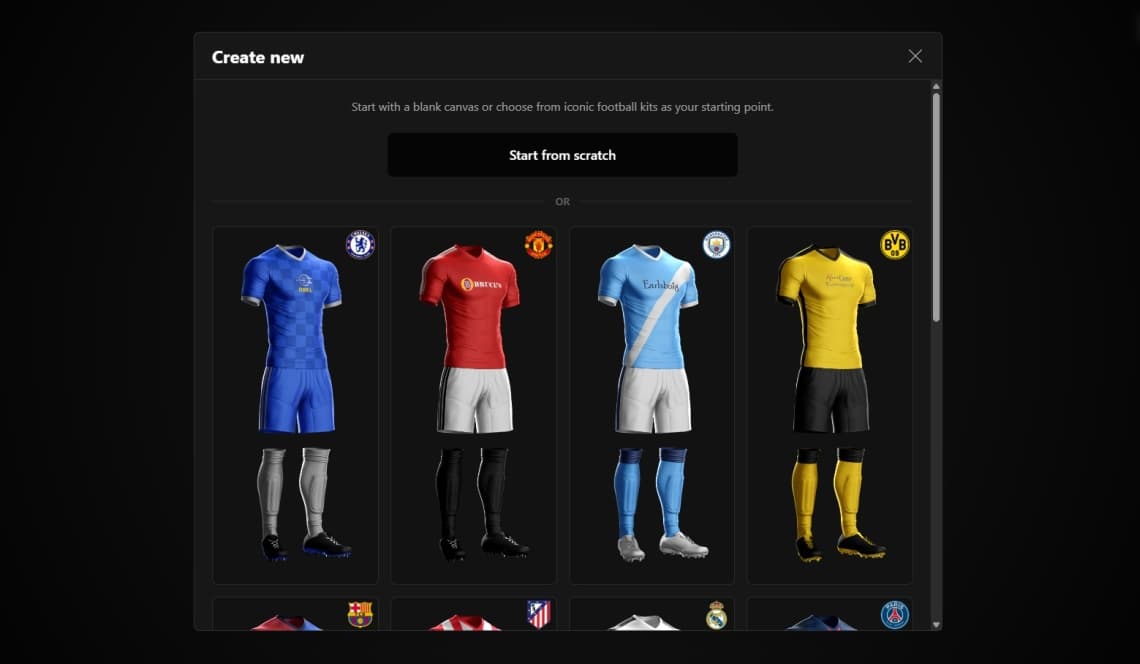
- 2Create New Kit: Click "Create new kit" to start designing from scratch or choose from legendary football kits as inspiration.
- 3Choose from Your Kits: If you've saved kits before, select this option to load and continue editing your saved designs.
Customizing Your Kit
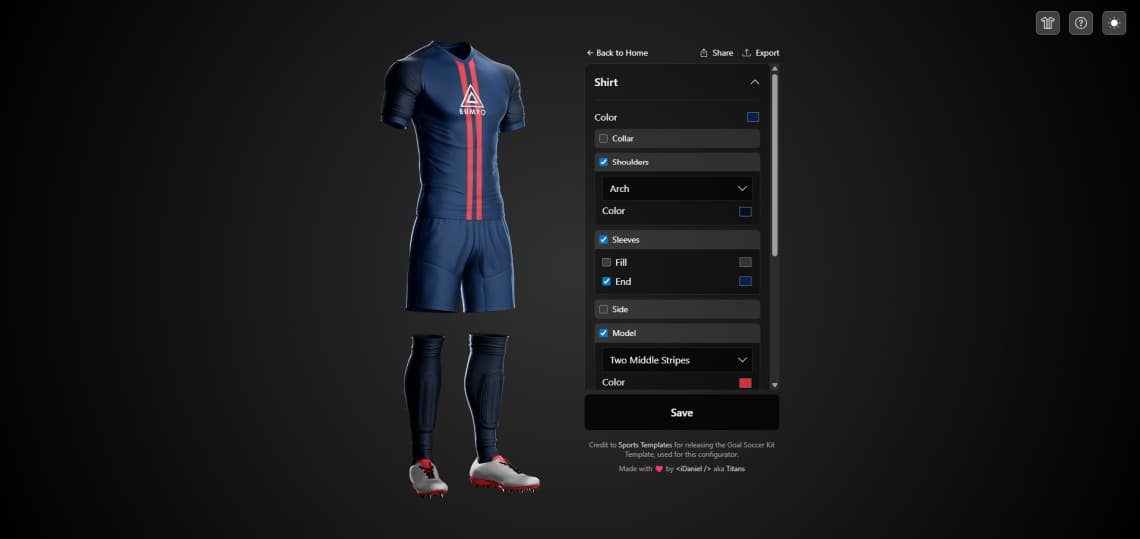
Use the configurator panels to customize each part of your kit. Click on any section header to expand/collapse the options.
Saving Your Kit
- 1Click "Save" or "Update" at the bottom of the configurator.
- 2Enter your club name (required).
- 3Optionally add your Trophy Manager Club ID — this will show your TM club emblem in the Kit Library and link to your club page.
- 4You can save up to 2 kits locally in your browser, no account creation needed.
🏆 Using Kits in Trophy Manager
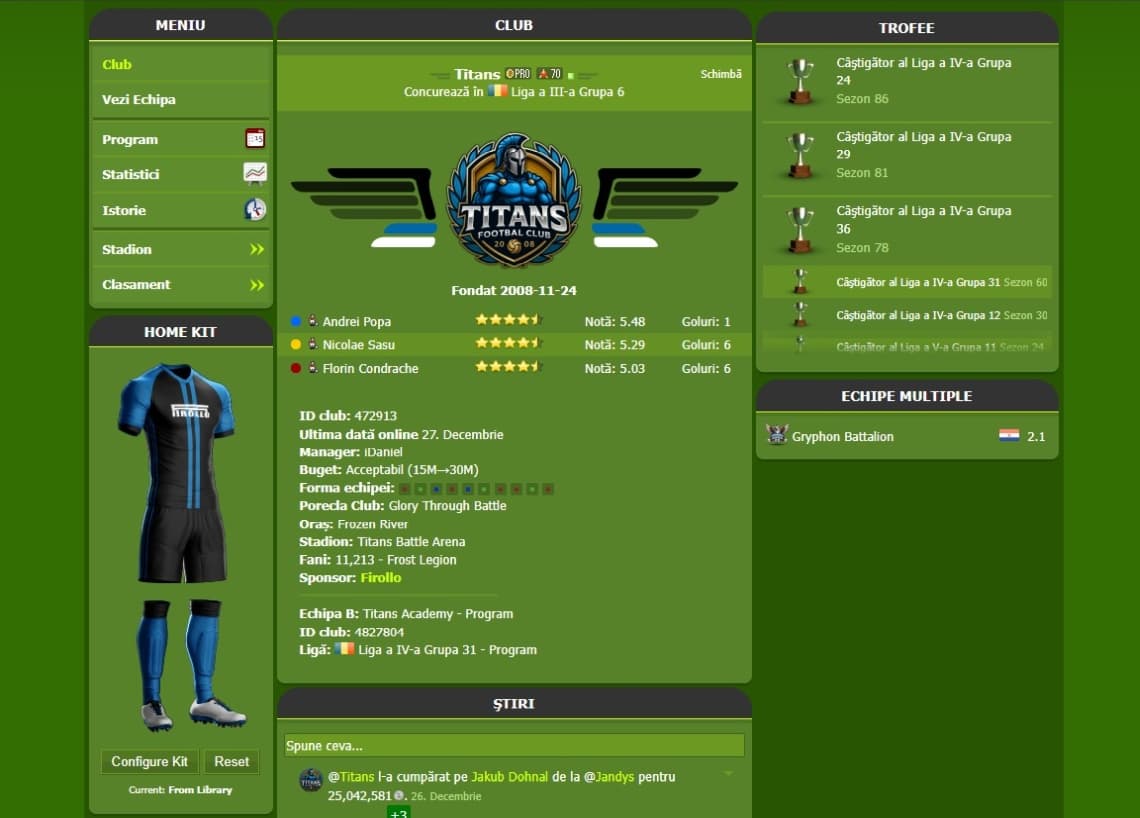
One of the most exciting features is the ability to display your custom 3D kit directly on your Trophy Manager club page!
Step 1: Install Tampermonkey
First, you need the Tampermonkey browser extension:
- Install Tampermonkey for your browser:
- Click the button below to install the Kit Visualizer script:
Step 2: Configure Your Club Kit
- Visit your Trophy Manager club page (you must be the club owner)
- You'll see a "Configure Kit" button below your auto-generated kit
- Click it and paste your kit's share link from the kit library
- The 3D kit will appear on your club page automatically!
💡 Tips:
- Only you (club owner) can see the configure button
- All visitors will see your configured 3D kit
- Update your kit anytime — changes reflect automatically!
- Click "Reset" to use auto-generated colors from Trophy Manager
Kit Library
Browse and explore kits designed by the Trophy Manager community:
- Navigate to Kit Library from the main menu
- Browse Kits: View all kits saved by users, featuring legendary football club designs
- View Club Pages: Click on any kit's club name to visit the Trophy Manager club page (opens in new tab)
- Share: Each kit has a share button to easily get its direct link
Feedback & Support
Have a question, suggestion, or encountering an issue with the Kit Generator? I'm here to help! Use the contact form to submit any feedback or support inquiries, and I'll get back to you as soon as possible. Your input helps me improve and provide a better experience for all users.